Introduction
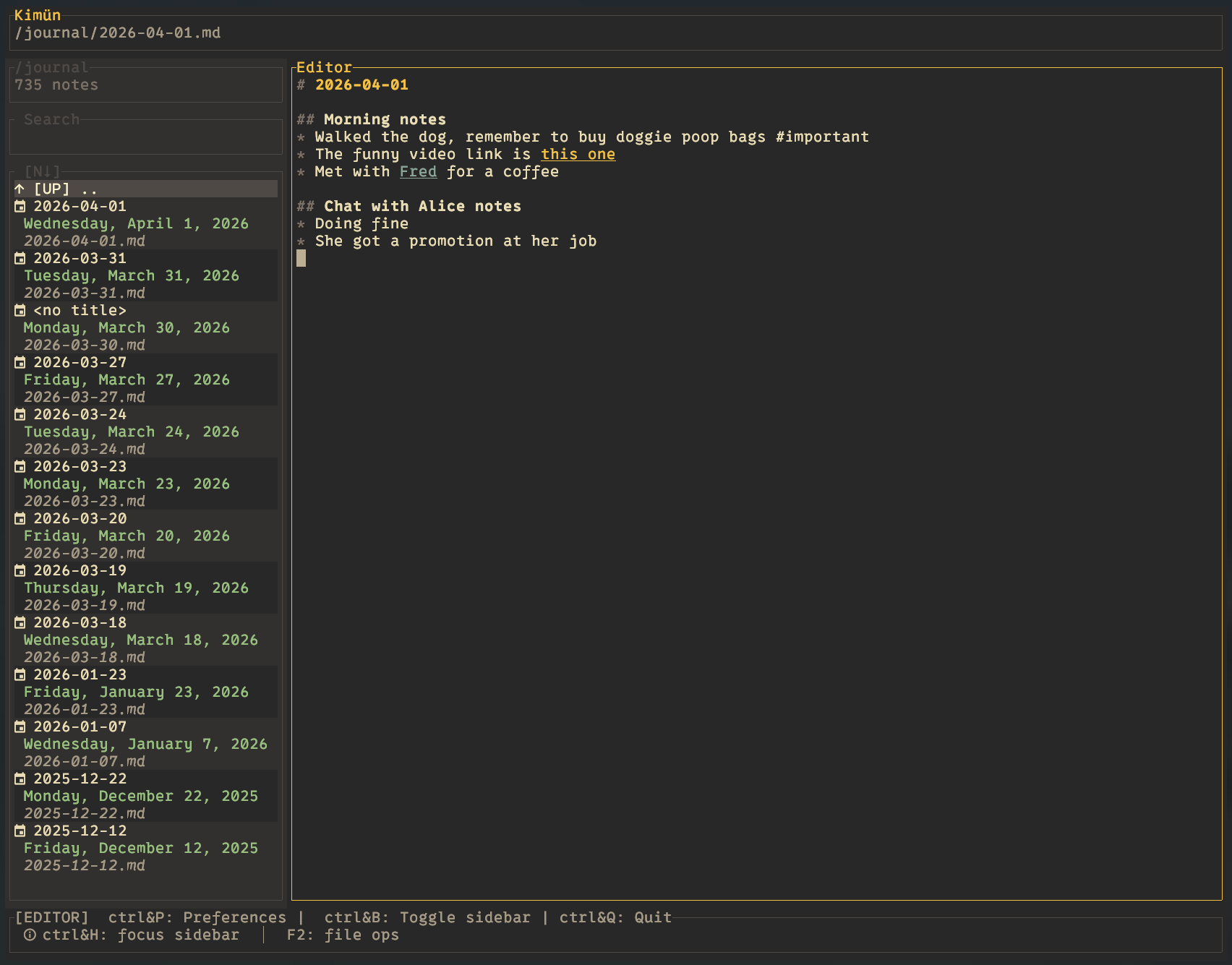
Kimün is a terminal-based notes app that helps you organize and search your thoughts with speed and simplicity. Your notes are plain Markdown files stored in a directory you own, indexed into a local SQLite database for fast full-text and structured search. There's no lock-in — your data is always yours, and you can access it with any text editor.
Quick Start
See the Installation page for setup instructions.
Then run the terminal UI:
kimunOr explore the command-line interface:
kimun --helpWhere Your Data Lives
Your workspace directory holds only your .md files — plain Markdown, totally portable.
Kimün's own files live under your config directory, separate from your notes:
- Linux/macOS:
~/.config/kimun/ - Windows:
%USERPROFILE%\kimun\
That directory contains:
config.toml— your settings and workspace configuration<workspace>.kimuncache— per-workspace search index (regenerable; safe to delete)history/<workspace>.txt— per-workspace history of recently-opened notes
Both the cache and history locations are configurable — see Configuration.
Everything is stored locally. No cloud, no subscriptions, no tracking.